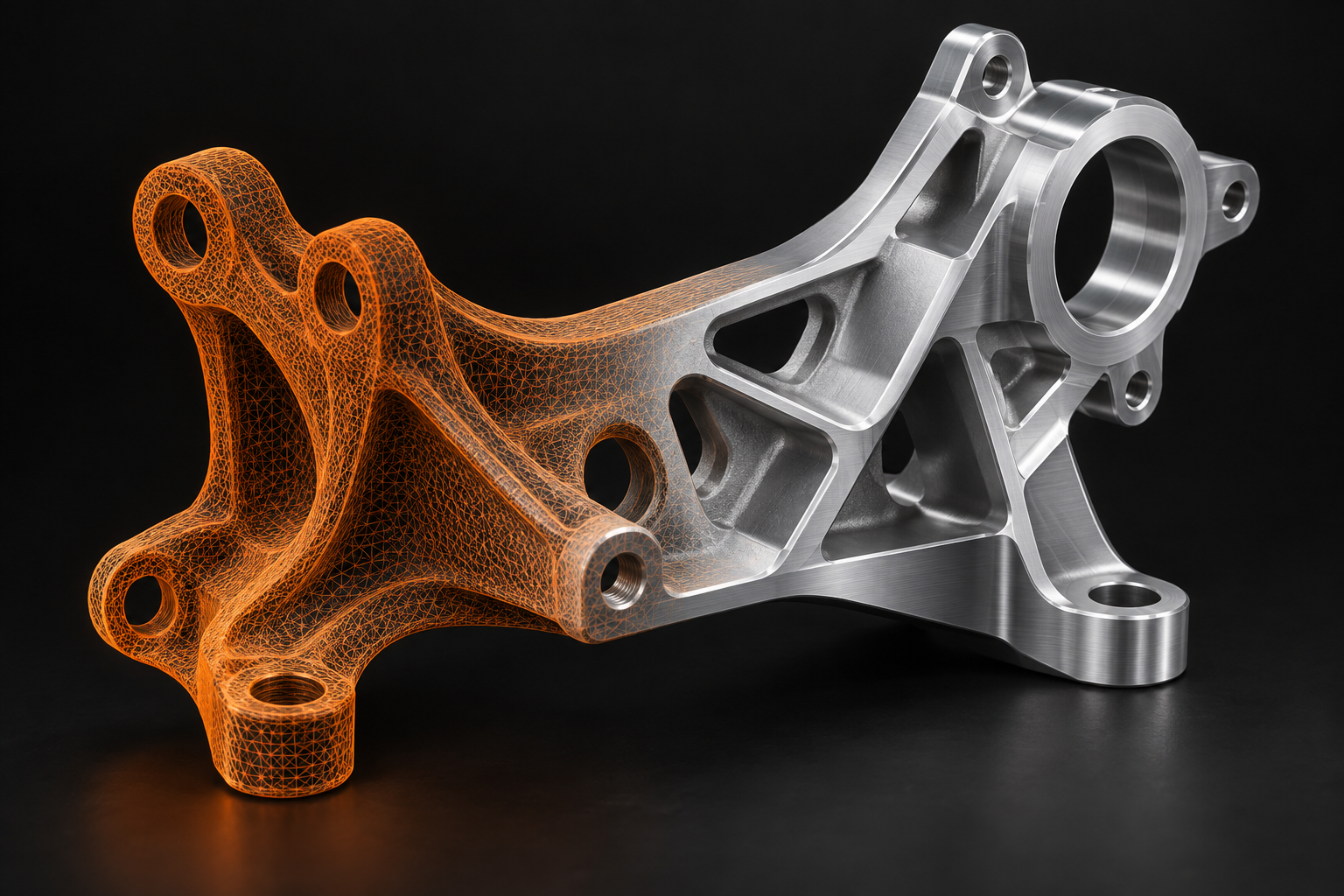
Scanned or AI-generated. Prepared for what comes next.
Repair and refine meshes from 3D scans or AI creation tools, or reconstruct suitable geometry as professional CAD. Expert-led work, scoped around your intended use.
AGREED FOR YOUR PROJECT Mesh repair does not include STEP conversion. Hole filling may require assumptions, and smoothing can change dimensions. Print suitability depends on your process and requirements. STEP does not automatically include native parametric feature history.
02 / REAL PARTS. REAL POSSIBILITIES.
From mechanical detail. To sculpted form.
AIO STUDIO’s work spans automotive parts, toys, tools, hardware and sculptural forms.
AutomotiveToys & collectiblesTools & hardwareSculpture & detailed machiningAI 3D creators
TOOLS & HARDWARE / DEMONSTRATION 01
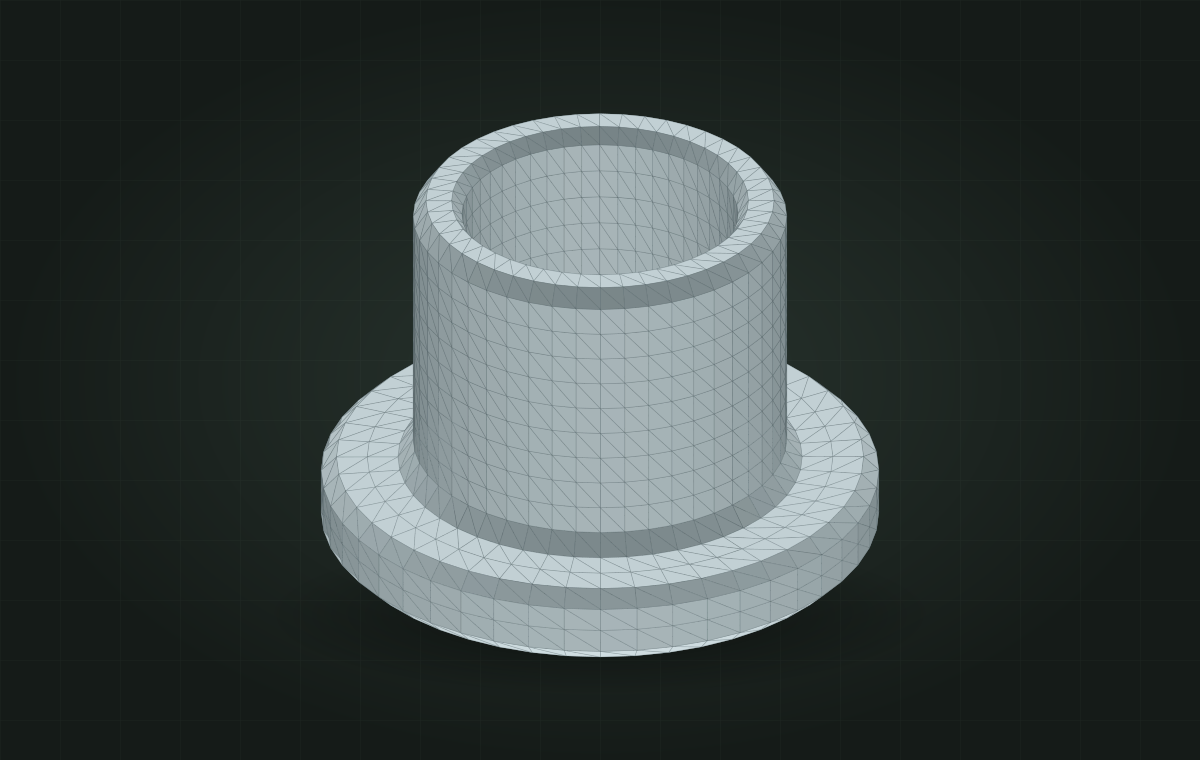
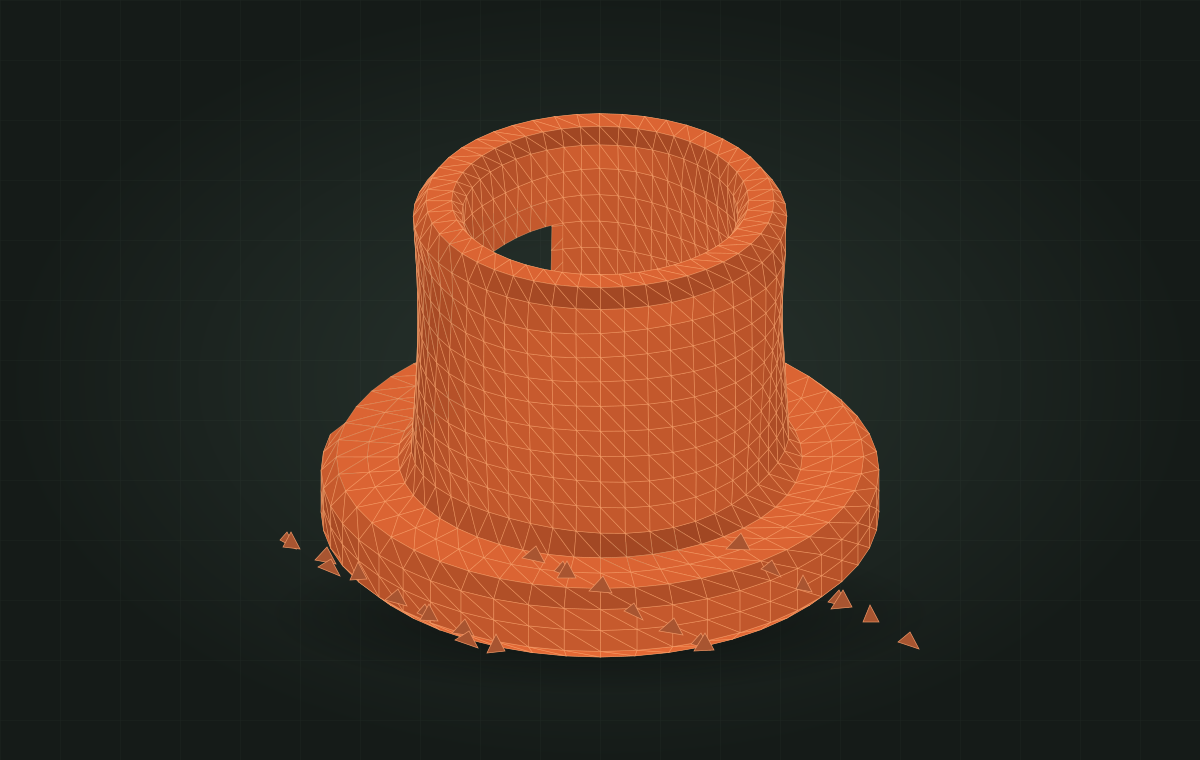
A cleaner mesh. The same part.
Explore a flange sleeve before and after mesh cleanup. Move the divider to compare missing mesh patches, surface noise and stray fragments with the illustrative repaired result.
Illustrative mesh study — not a client case or measured repair result. Both views use the same synthetic geometry and camera. Actual repairs depend on the source data and agreed scope.
AI-GENERATED 3D / EXAMPLE WORKFLOW
Your AI concept. A considered next step.
For a figurine, sculpture or product concept, we review the actual geometry and agree what needs repair, refinement or rebuilding.
01
Review the mesh
Inspect the untextured model for gaps, connected details and unwanted fragments.
02
Agree the refinements
Identify details to preserve and approve any inferred shapes or local reconstruction.
03
Prepare the deliverable
Deliver the agreed mesh and checks for your intended process. Physical printing or manufacturing validation is separate.
Service workflow illustration — a real AI-model before/after case will be added when approved project material is available.
Explore a synthetic flange sleeve in three dimensions. Switch the display to inspect the surface or its triangular mesh.
Interactive synthetic model · not a customer project, uploaded file or dimensional verification.
Z ↑ X ─ Y
Drag horizontally to rotate. The sliders also work with a keyboard.
03 / BUILT AROUND YOUR INDUSTRY
Complex shapes. Practical expertise.
From a legacy component to a new product, we rebuild geometry with its next use in mind.
01
Automotive
Components, housings and custom parts. Reconstruct geometry for fit, adaptation and development.
PARTS & COMPONENTS02
Robotics
Mechanical interfaces, brackets and enclosures. Bring scanned parts into your assembly workflow.
MECHANICAL INTEGRATION03
Toys & collectibles
Character forms, shells and sculpted details. Translate physical forms into usable CAD geometry.
ORGANIC & HARD SURFACES04
Mould & tooling
Existing tool surfaces and part geometry. Support your next tooling development stage.
TOOLING DEVELOPMENT05
Product development
Prototypes, enclosures and everyday products. Build a CAD foundation for the next iteration.
DESIGN & ITERATION06
AI 3D creators
Models from text-to-3D and image-to-3D workflows. Repair mesh defects and refine selected details for the next stage of your project.
AI MODEL REFINEMENT
04 / FROM SCAN TO DELIVERABLE
Your model. Our next four steps.
Human expertise at every stage. A defined scope before work begins.
01
Share the brief
Tell us whether your model comes from a scan or an AI tool, what needs repair or reconstruction, and how you intend to use it.
02
Review & quote
We assess the source data and confirm feasibility, deliverables, price and timing.
03
Repair or rebuild
Our team repairs the mesh or reconstructs CAD geometry against the agreed scope and critical features.
04
Review & deliver
Review the model against the agreed criteria and receive your repaired mesh or CAD files.
THE TEAM BEHIND THE GEOMETRY
New perspective. Established expertise.
AIO STUDIOREVERSE ENGINEERING & DEVELOPMENT
FormTrace Studio brings AIO STUDIO’s reverse engineering expertise to customers worldwide. You capture the part. We help turn your scan into the mesh or CAD your project needs.
05 / GLOBAL SCANNING PARTNERS
You capture the world. We handle what’s next.
We’re inviting 3D scanning service providers worldwide to build long-term partnerships with FormTrace Studio. Extend your service from scan capture to repaired meshes and reconstructed CAD.
01 / PARTNER TERMS
Preferred pricing
Discuss partner rates around your project mix, repeat volume and delivery requirements.
02 / PRIORITY HANDLING
A faster path to delivery
Priority assessment and scheduling, with expedited turnaround agreed against scope and capacity.
03 / REPEATABLE WORK
One clear workflow
Agree file requirements, critical features, output formats and review criteria for recurring projects.
Tell us your country, scanning equipment, typical parts, monthly project volume and target turnaround.
Partner pricing and delivery commitments are confirmed individually after project review.
06 / BEFORE YOU BEGIN
A few things worth knowing.
Can you repair models generated with Meshy, Tripo or other AI tools?+
Yes. We assess exported mesh files from AI creation tools, including Meshy and Tripo. Work may include holes, non-manifold edges, stray fragments and agreed local shape corrections. Send the actual mesh, not only a textured preview, and describe your intended use. UVs, textures, rigging, animation topology and CAD reconstruction are assessed separately; they are not automatically included. Platform names identify possible file sources, not official partnerships.
Can you repair my STL without converting it to STEP?+
Yes. Choose Mesh Repair & Cleanup for a repaired STL or OBJ mesh. If you need CAD surfaces or solids instead, choose Scan-to-CAD Reconstruction. We can help assess which service fits your intended use.
Will a repaired mesh be ready for 3D printing?+
Tell us the printing process, model size and relevant wall-thickness requirements. A closed mesh alone does not guarantee printability. We agree the checks needed for your workflow, and confirm any assumptions when filling missing areas or smoothing surfaces.
Which file formats do you accept?+
We accept STL, OBJ and most mesh formats. Tell us your format and file size in the project brief. We’ll confirm compatibility when reviewing the source data.
Is this an automatic file converter?+
No. Both services are expert-led. We repair your existing mesh or reconstruct CAD geometry according to an agreed project scope.
How much will my project cost?+
Pricing depends on geometry, scan quality, missing areas, required deliverables and verification needs. Each project is reviewed before a fixed scope and quotation are agreed.
Can you guarantee a specific accuracy?+
Accuracy depends on the source scan and available reference measurements. Tell us which dimensions matter. CAD-to-mesh deviation and real-part accuracy are different, and the agreed checks will reflect the data available.
Can I edit the delivered CAD model?+
STEP geometry can be used in compatible CAD systems, but does not automatically carry the original feature history. If you need native parametric features, specify your software and editing requirements for assessment.
What if my scan is incomplete or worn?+
Include photos, reference dimensions and any drawings you have. We’ll review whether missing areas can be reconstructed and agree any assumptions or geometry corrections with you.
07 / LET’S MAKE IT USABLE
Your next part starts here.
Prepare a short project brief. Include the details that matter, and take the first step towards a well-defined mesh or CAD deliverable.
Project-based pricing.Scope first. Quote next.
Download your brief below, then email it to info@formtracestudio.com for a quotation. This form does not send data, upload files or collect payment.
08 / CONTACT FormTrace Studio
Let’s talk about your project.
For project enquiries and scanning partnerships, start with an email.
Include your service, file format and size, intended use, critical dimensions and target deadline. For large or confidential files, ask us to agree a transfer method first.
Email us to discuss your project and receive a tailored quotation.